How to declutter listing photos without a reshoot
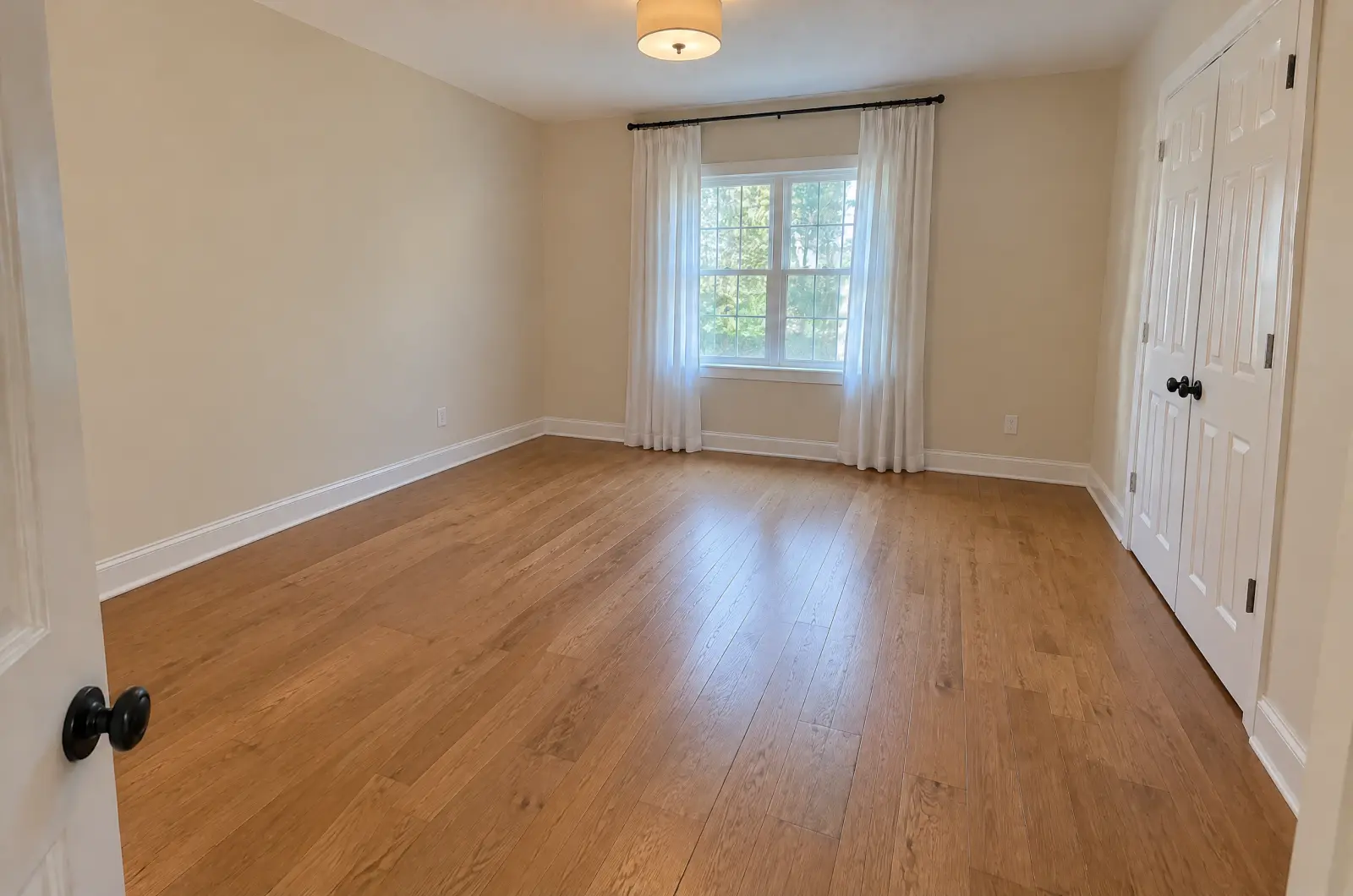
Dishes on the counter, a charging cable on the nightstand, a bin by the door: small things a walk-through misses and a photo keeps. Tidy up removes small loose items and leaves the furniture, the fittings and the light alone.
Updated
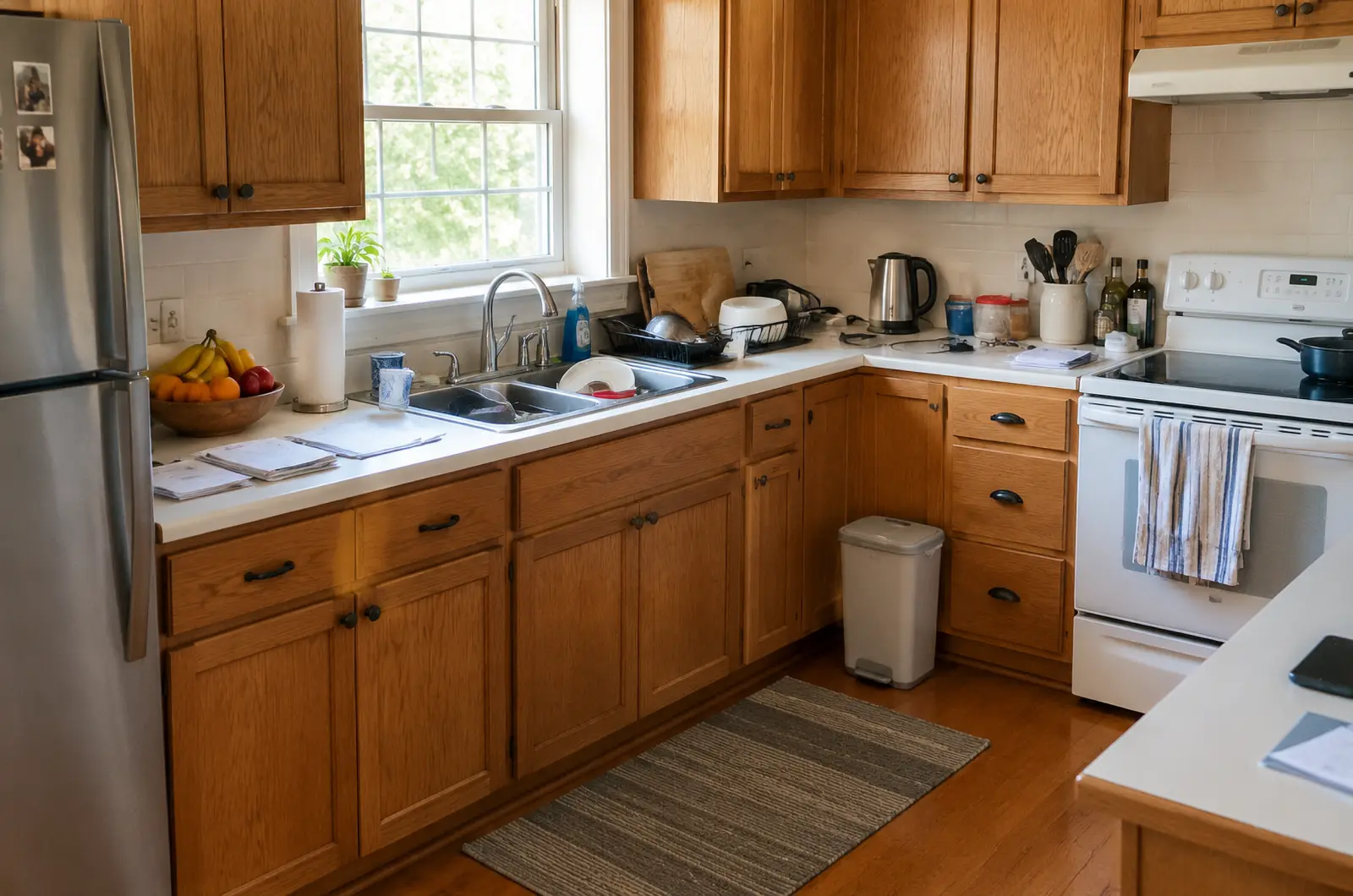
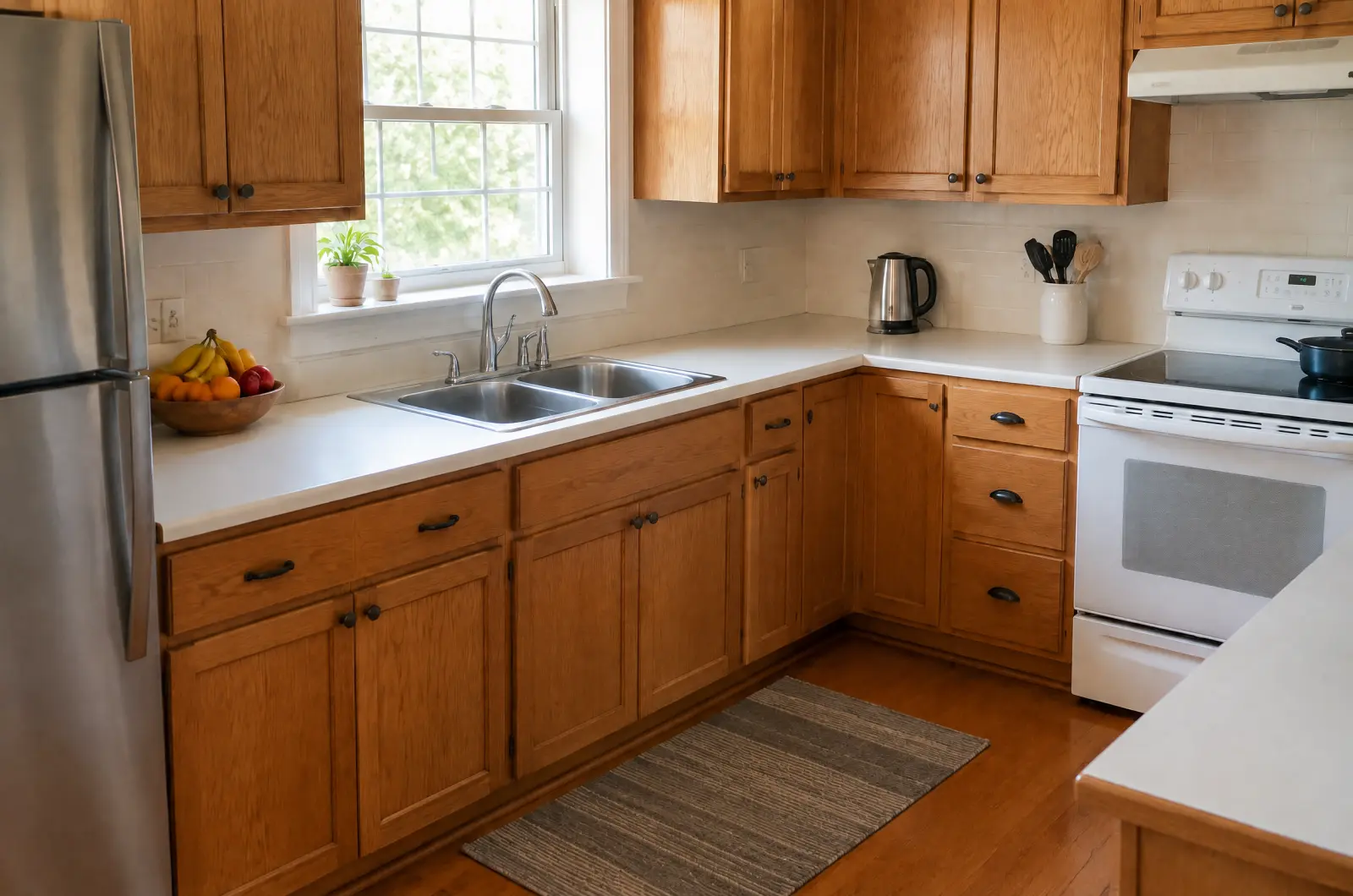
What Tidy up removes, and what it keeps
Removes: small loose items such as dishes, cables, toiletries, papers, toys, towels, bins, hoses and loose clutter.
Keeps: furniture, walls, floors, the layout, fixed fittings, wall décor, landscaping, cars and the light.
Step by step
Add the listing's photos
Start a listing with New listing and pick its photos, or open a listing you already have.
Pick Tidy up
Tap Run a tool and choose Tidy up. Each tool says what it changes and what it keeps.
Choose the photos that need it
Every photo starts ticked. Untick the ones that are already tidy, so you only spend credits where they help. The cost line updates as you go.
Only the ticked photos are edited and charged. Run it
The photos are edited one at a time, and each tile changes to its result as it lands. You can leave the page while it runs.
Check each result
Open each result and drag the divider. Make sure everything that belongs to the place is still there: appliances, shelves, wall décor. If Tidy up took something it shouldn't, Regenerate or Report it.

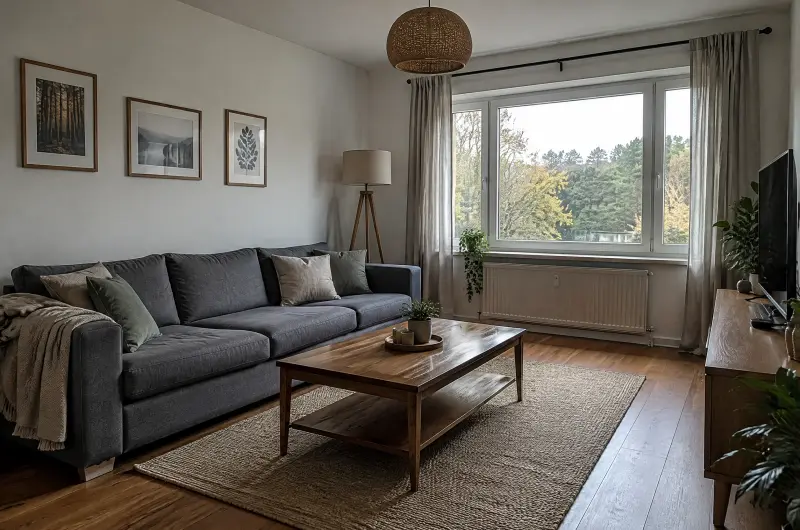
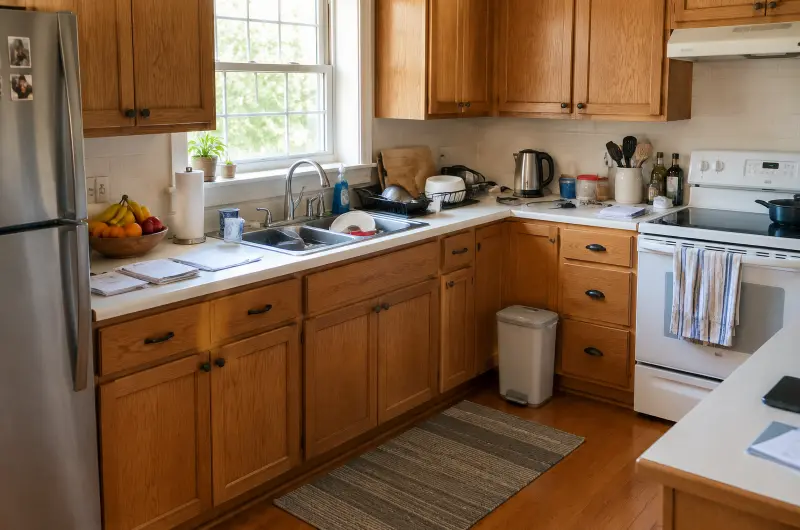




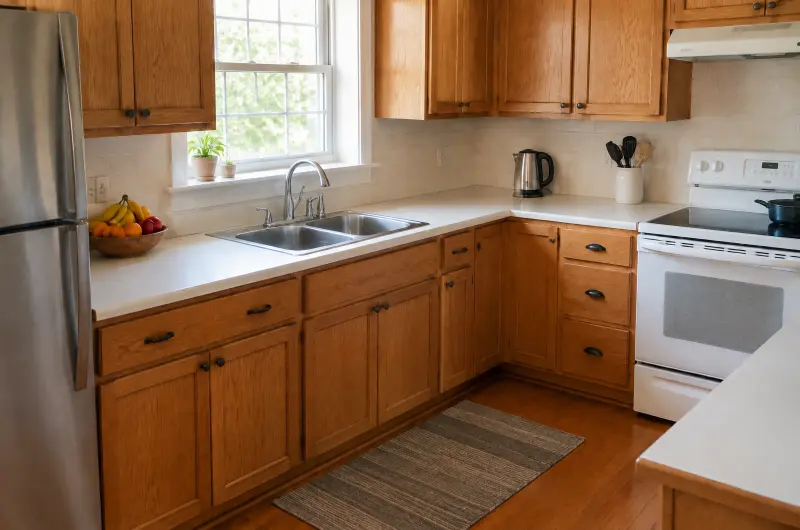
Then relight it
Tidying and lighting go well together. When a run finishes, its screen offers the next tools. Tap Next: Lighting: the run setup opens with the tidied photos selected and Use latest results on, so the new light goes onto the tidy versions.
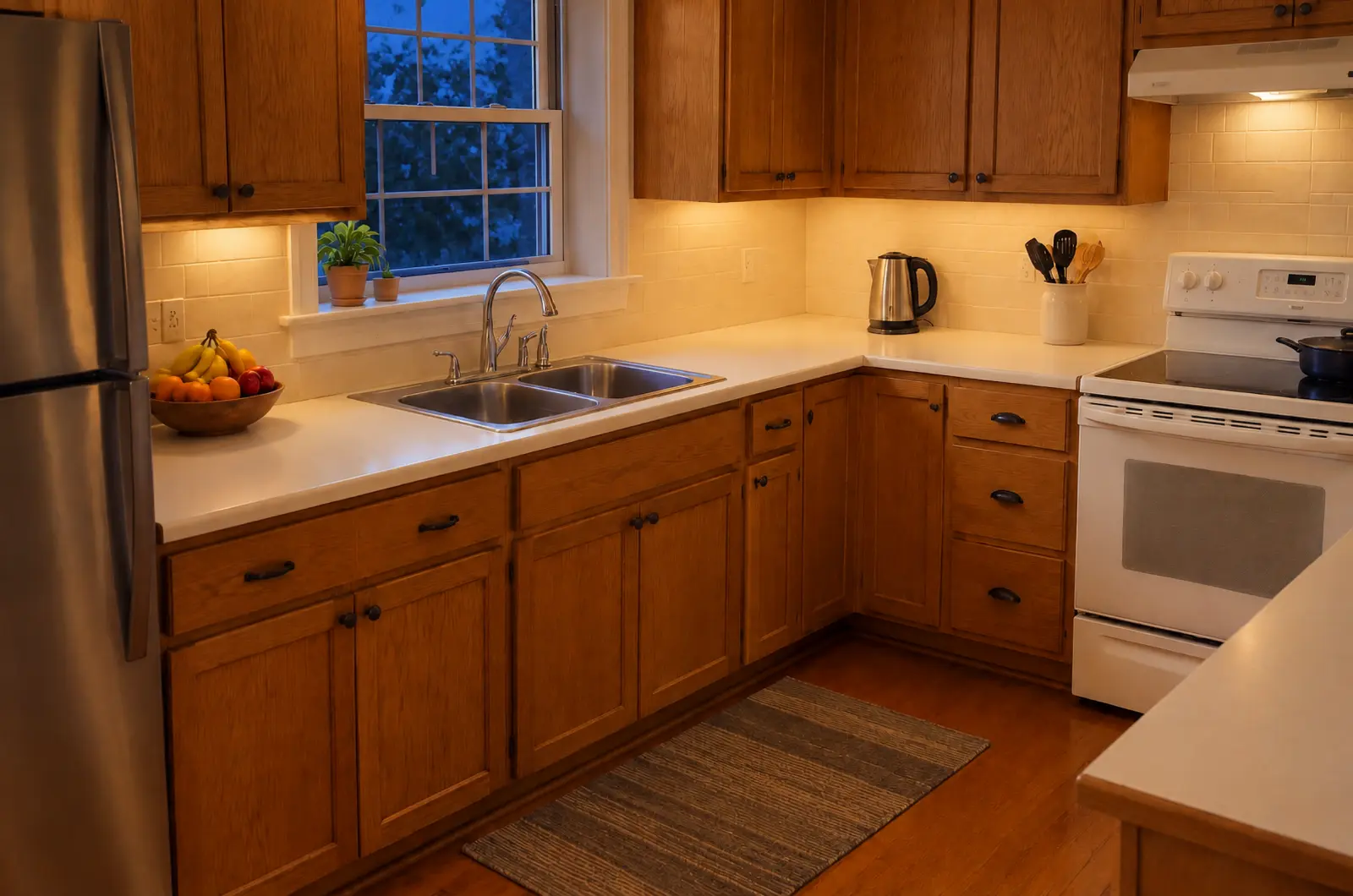
Each run costs 1 credit per photo, whichever version it starts from. Read how dusk photos work for the Lighting side.
Tips
- Put away what you can before the shoot. Tidy up is for the things you missed.
- Framed photos and art on the walls are décor, so they stay. Take down anything personal before the shoot.
- Cars stay too. They aren't small loose items.
- Exteriors work as well: bins, hoses and toys in the garden are loose items.
Try it on your photos
Your first 3 photos are free. After that, each photo costs 1 credit.
Try 3 photos free