How to show an empty room in a furnished listing photo
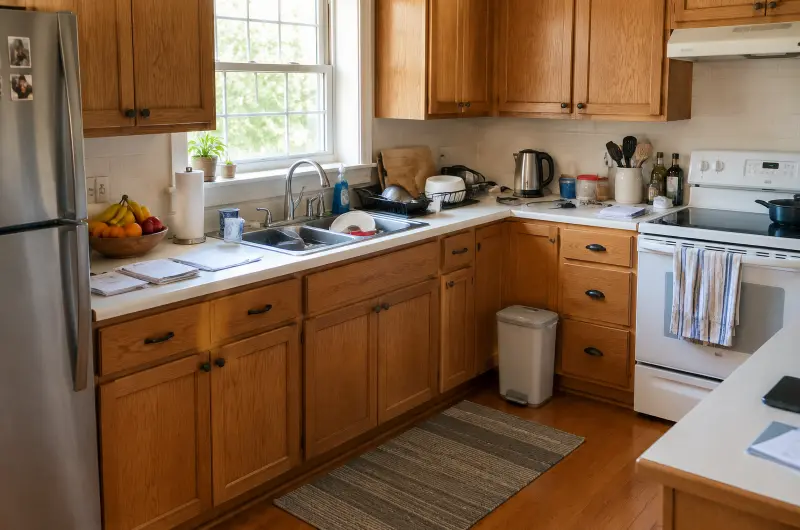
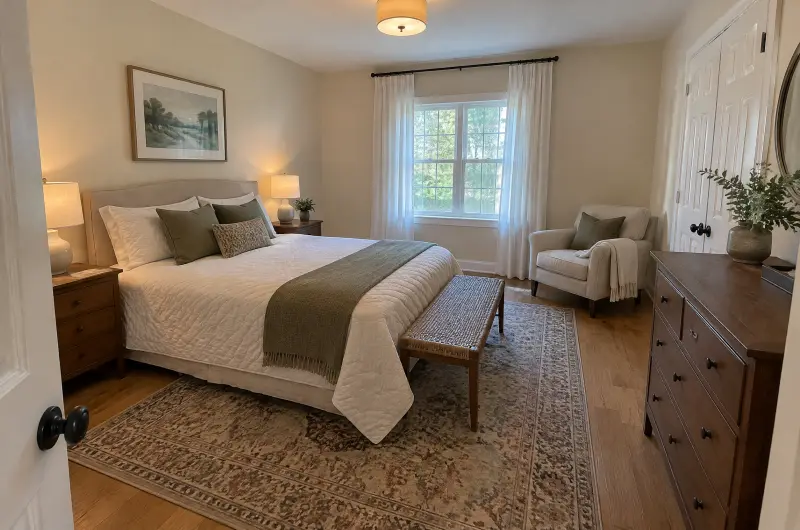
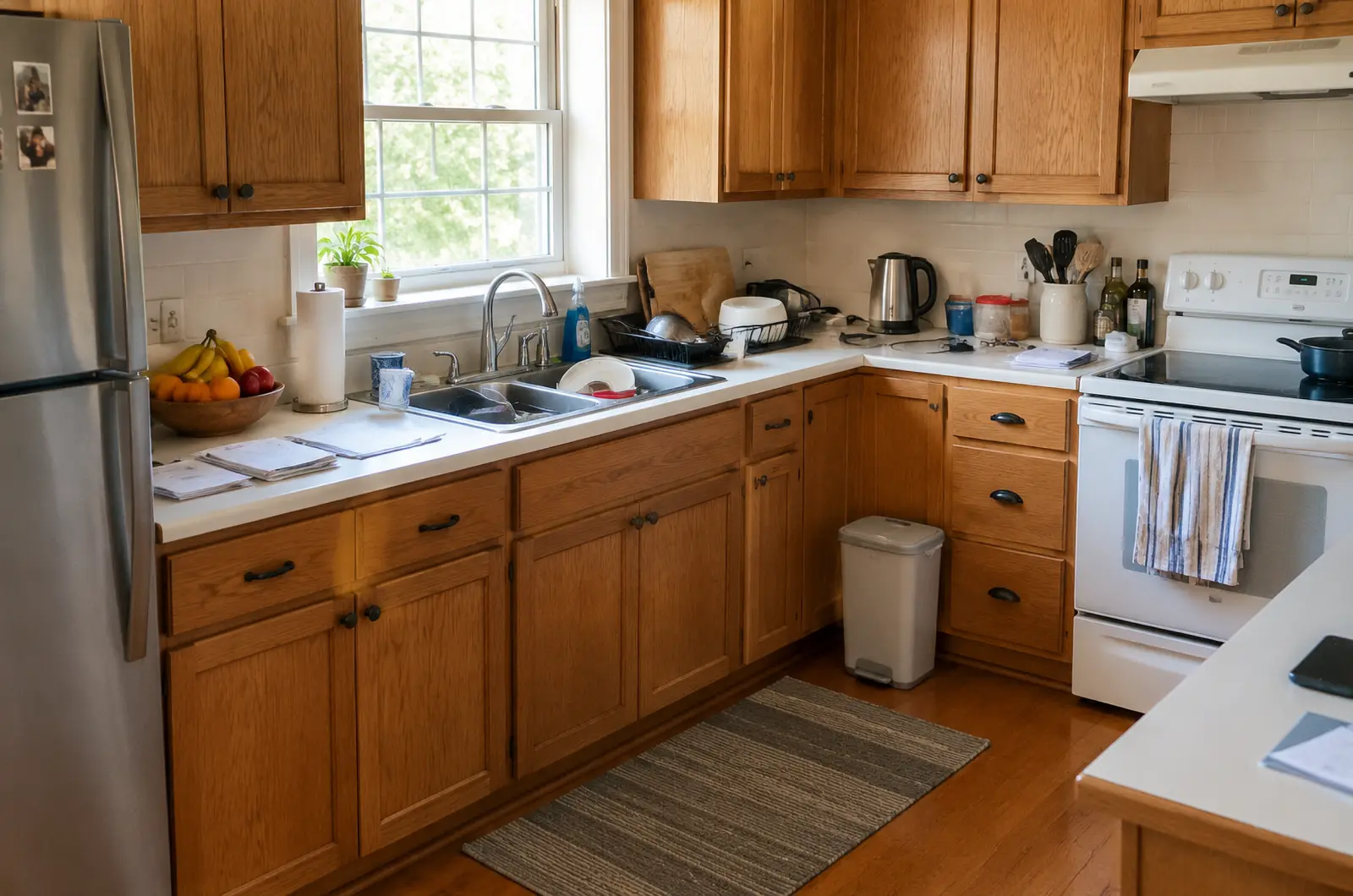
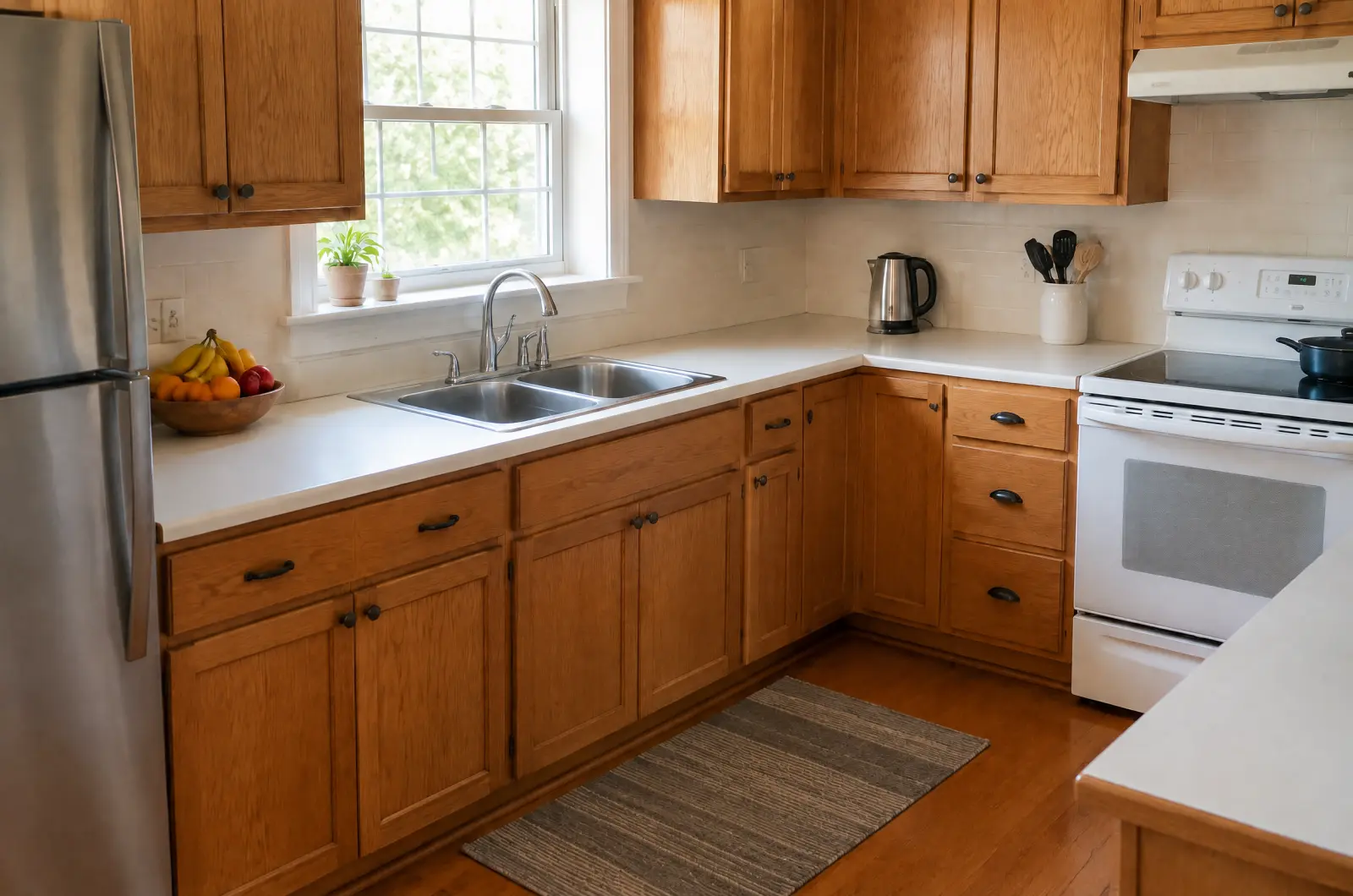
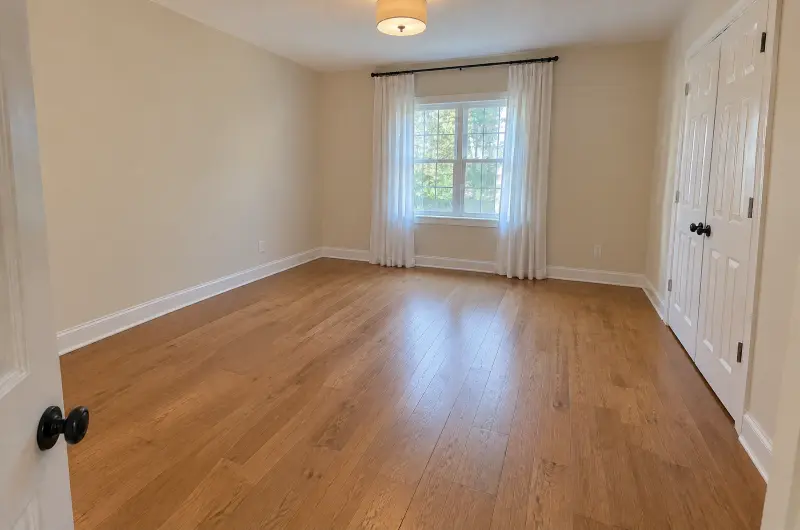
When a home is for sale, the furniture in its photos is often the seller's, not the buyer's. Remove furniture takes out the movable furniture, rugs and décor so the room shows its size, its floor and its light. It doesn't add furniture or décor in their place.
Updated
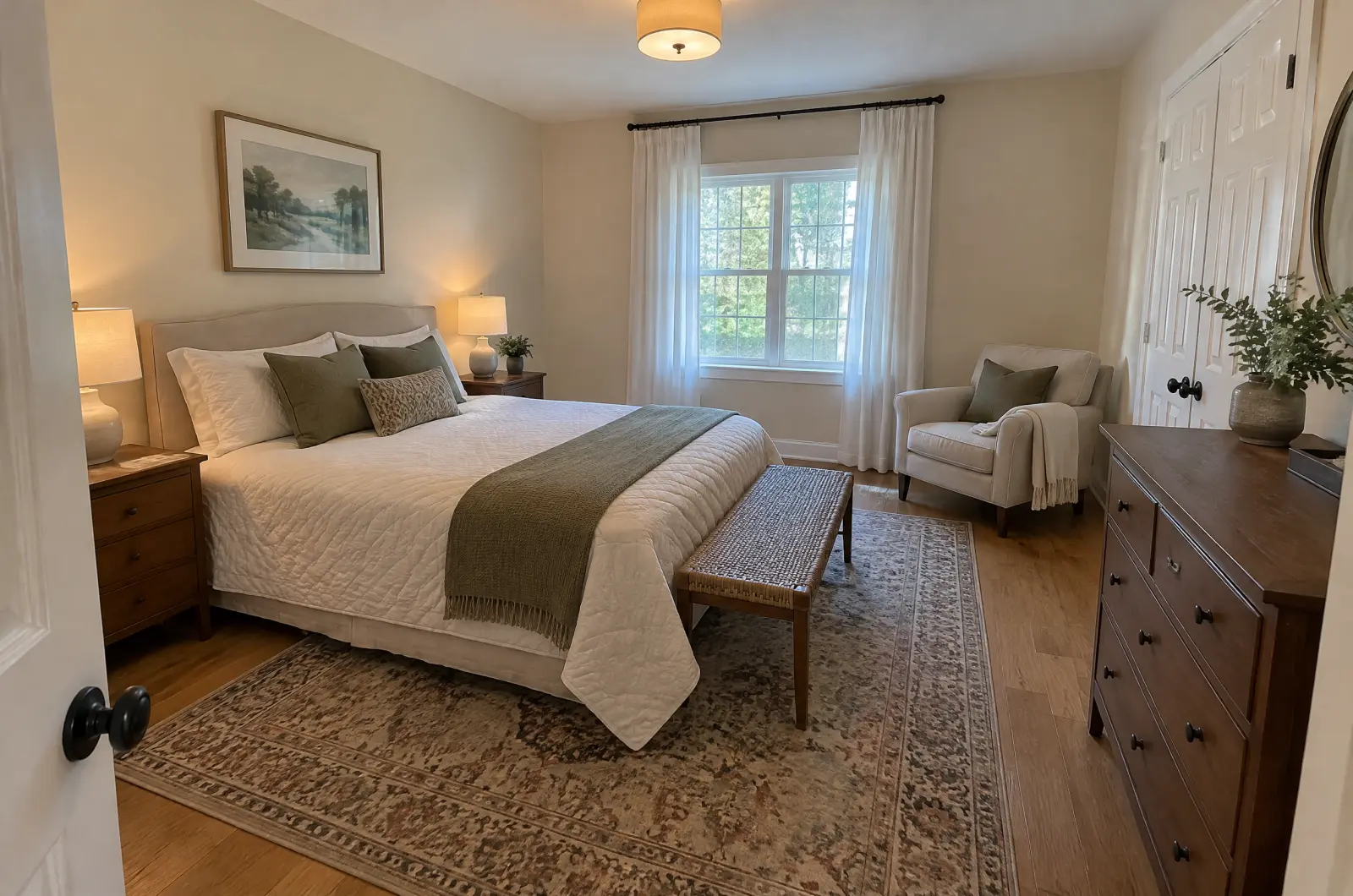
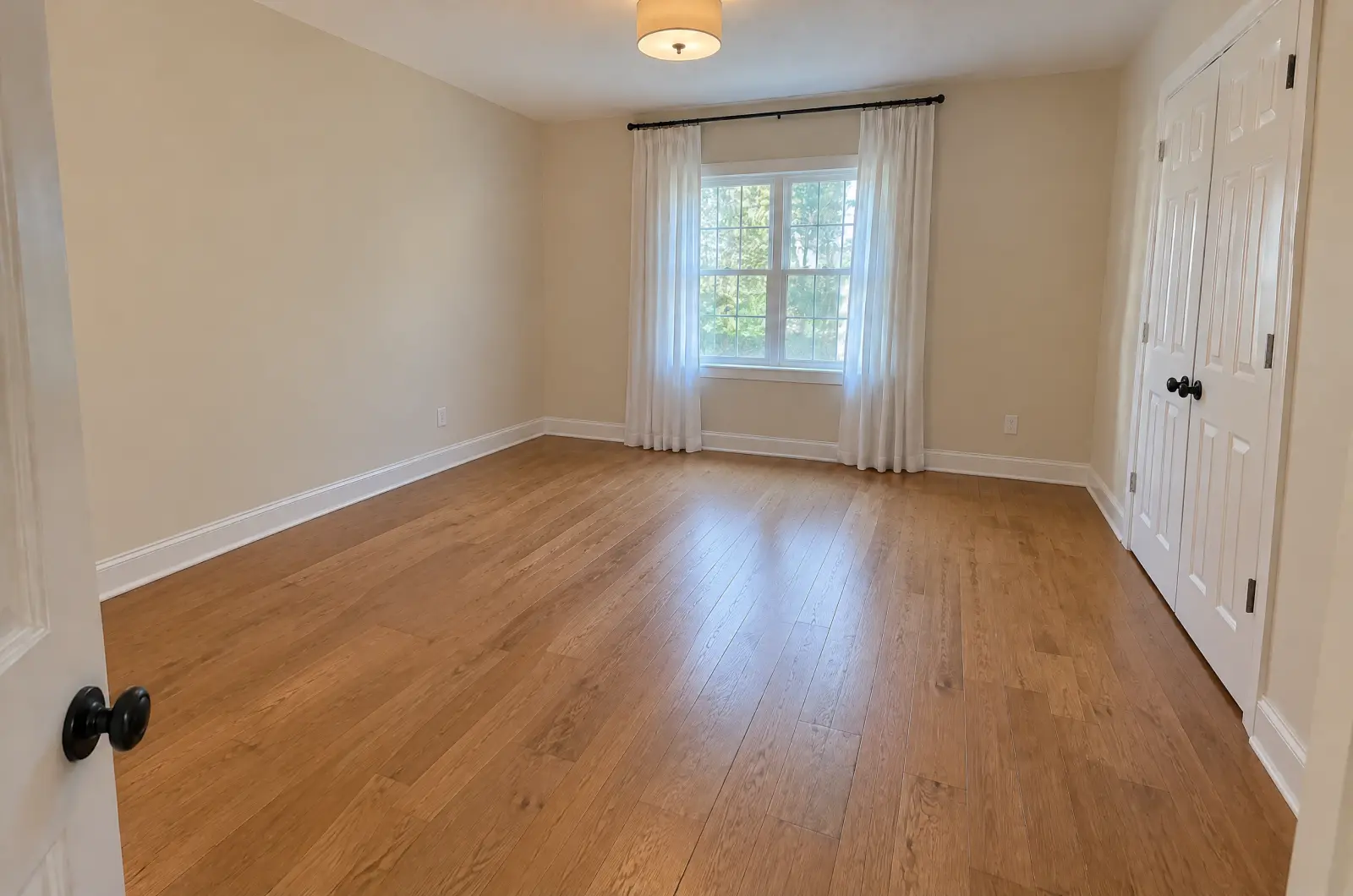
When to use it, and when not to
Remove furniture is made for homes for sale: an empty room helps buyers picture their own things in it.
What it removes, and what it keeps
Removes: movable furniture, rugs, loose décor and items; on an exterior, movable outdoor furniture.
Keeps: walls, floors, windows, doors, curtains and blinds, fixed fittings such as built-in cabinets, counters, light fixtures, radiators and fireplaces, and the camera position, the framing and the light.
Step by step
Add the room photos
Start a listing with New listing, or open the one you have. Remove furniture works best on interiors.
Pick Remove furniture
Tap Run a tool and choose Remove furniture. The first time, a short note reminds you that it is meant for homes for sale.
Run it on the rooms
Untick the exteriors and any room you want to keep furnished, then run. Each photo costs 1 credit.
Check what stayed
Drag the divider and check the fixed parts of the room: closet doors, curtains, radiators, sockets and light fixtures should all still be there. If something fixed was removed or changed, Report it and Regenerate.
Download, and say so in the listing
Download the results. In the listing's description, say which photos show the rooms empty, so buyers know what the photos show.
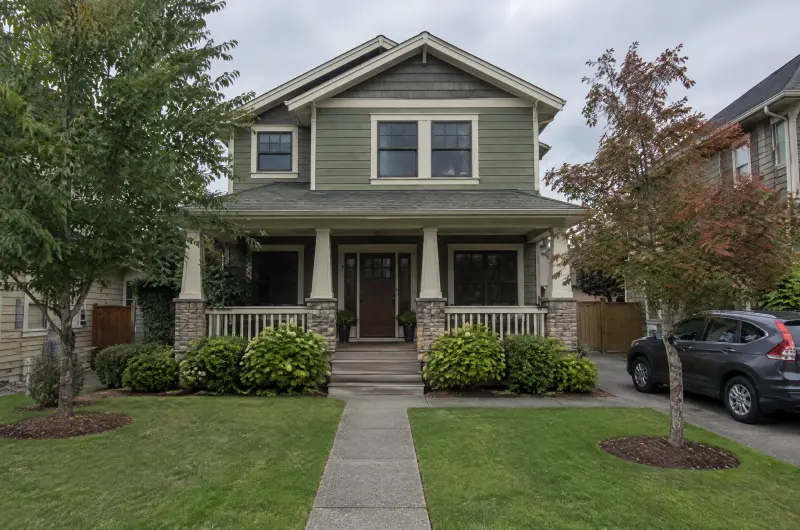
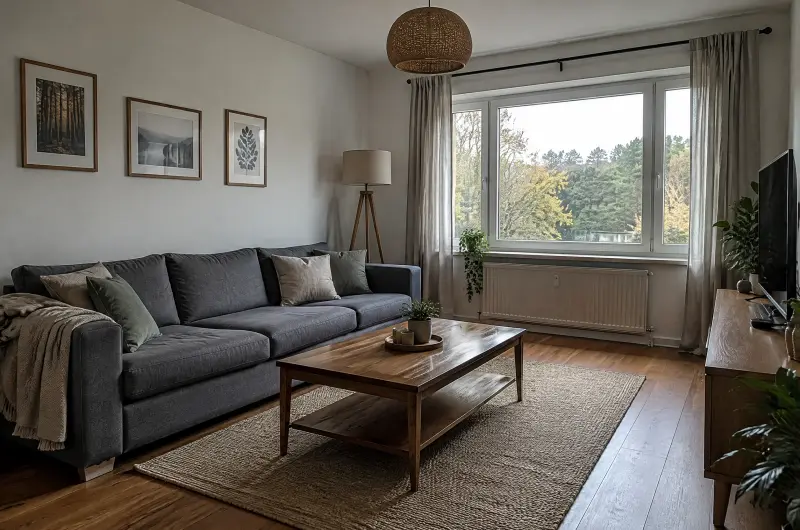
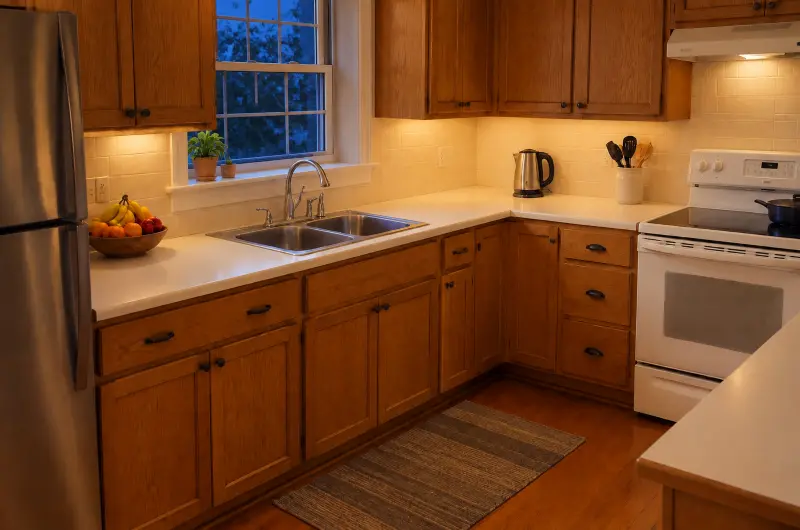
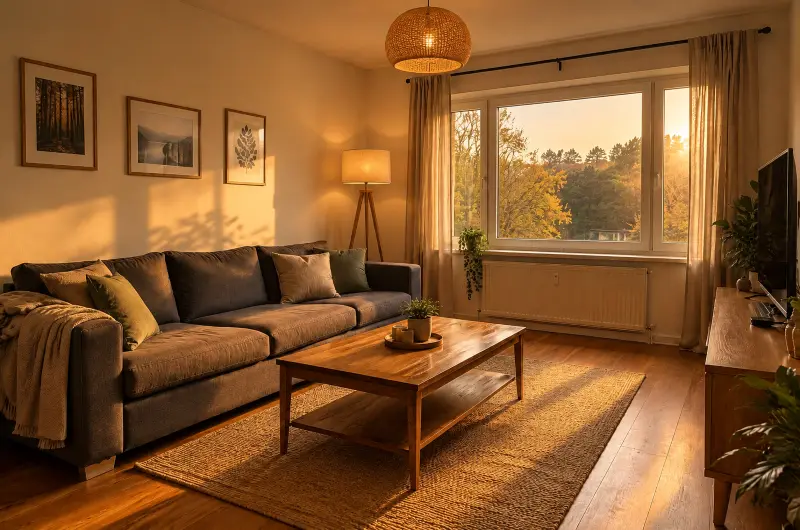
Add evening light to the empty room
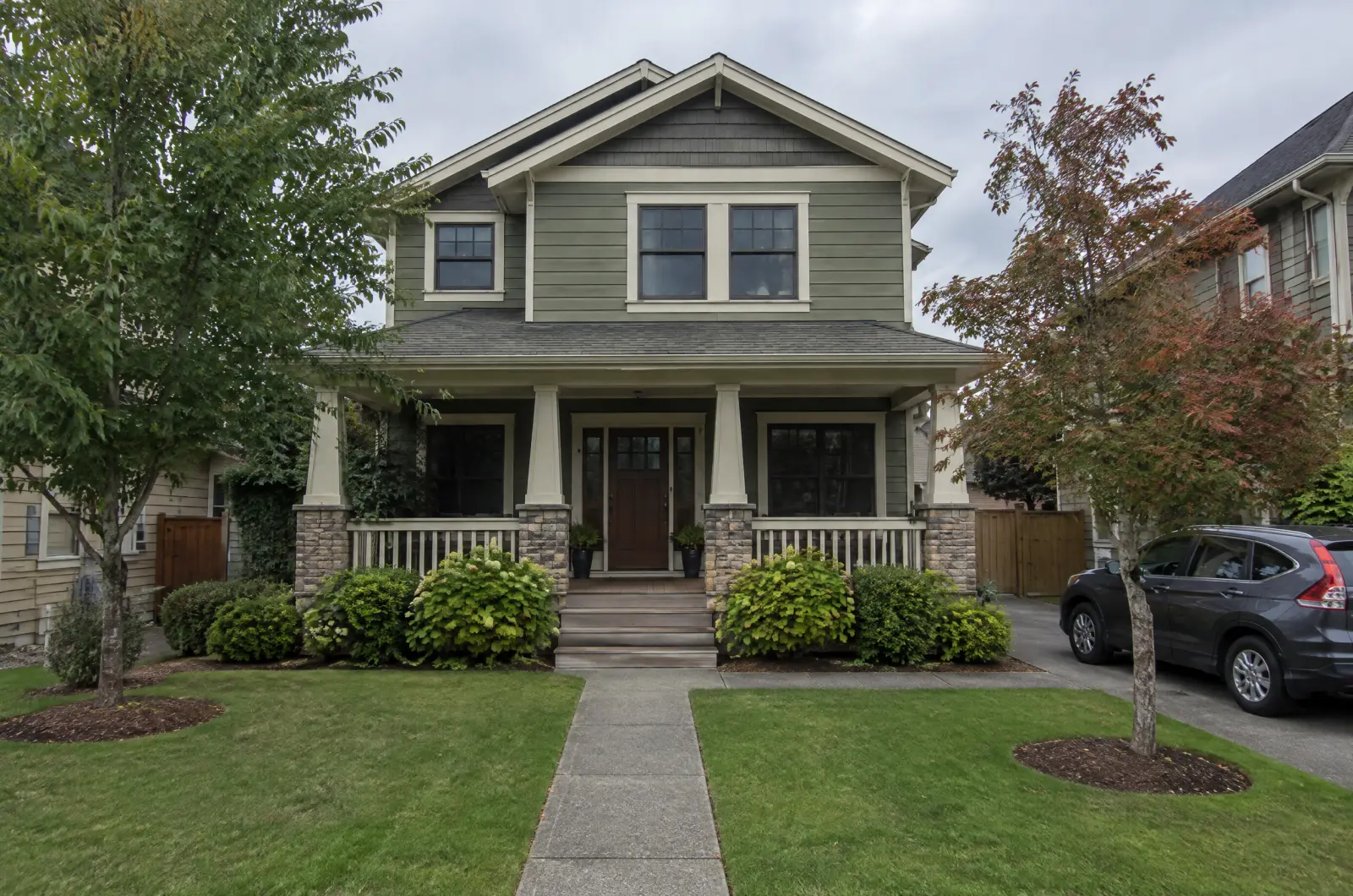
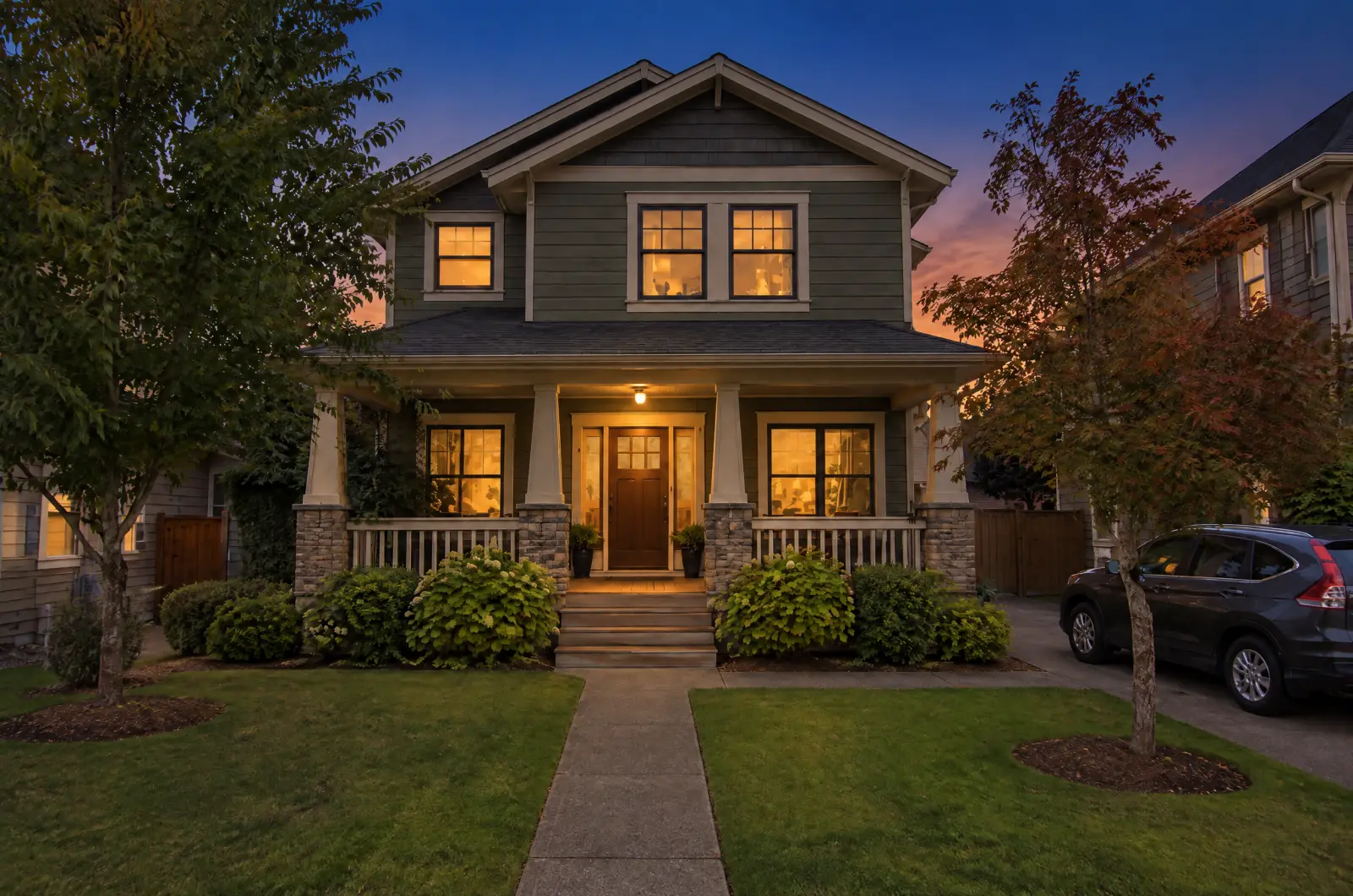
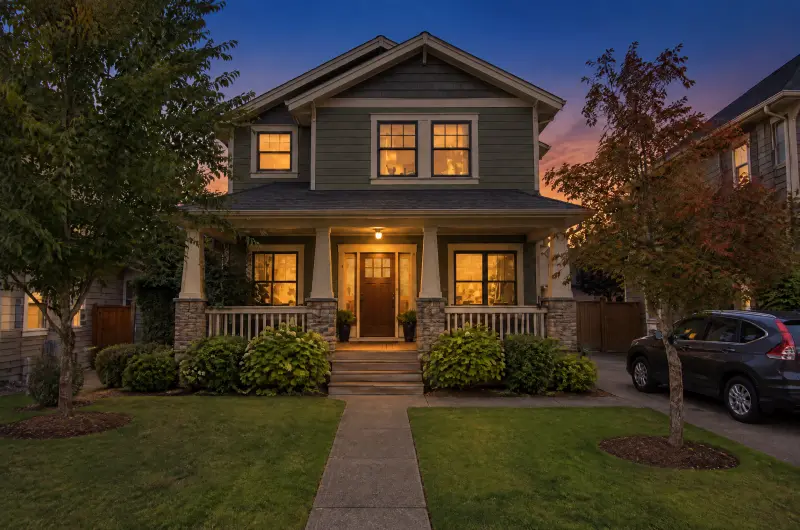
An empty room can look flat in midday light. From a result, tap Next: Lighting and pick a look. With Use latest results on, the light goes onto the empty version.
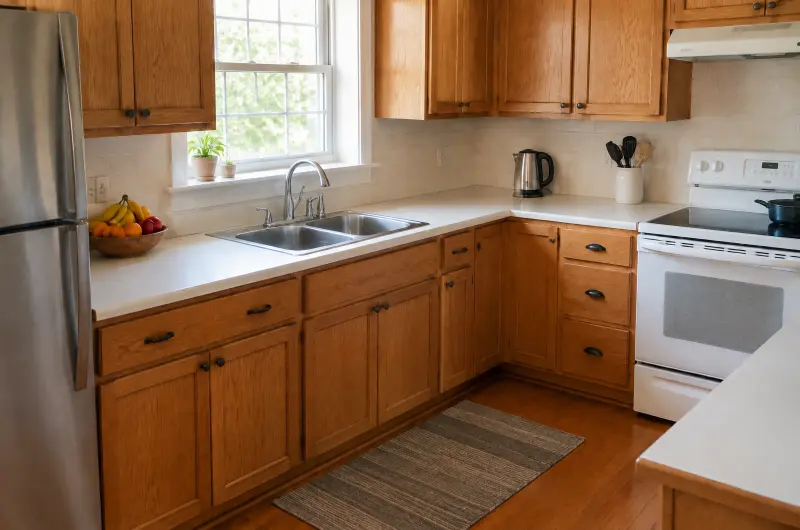
Tips
- Shoot each room from a corner, so more of the floor and walls are in view.
- Open curtains and blinds before the shoot. Window coverings stay in the result.
- Keep a furnished photo of the main rooms too, if the furniture is part of the sale.
- Only clearing loose items from the counters? That is a job for Tidy up.
Try it on your photos
Your first 3 photos are free. After that, each photo costs 1 credit.
Try 3 photos free